Getting Started
Power Bank
Learn how to use and operate the included power bank to keep Ruby charged on the go
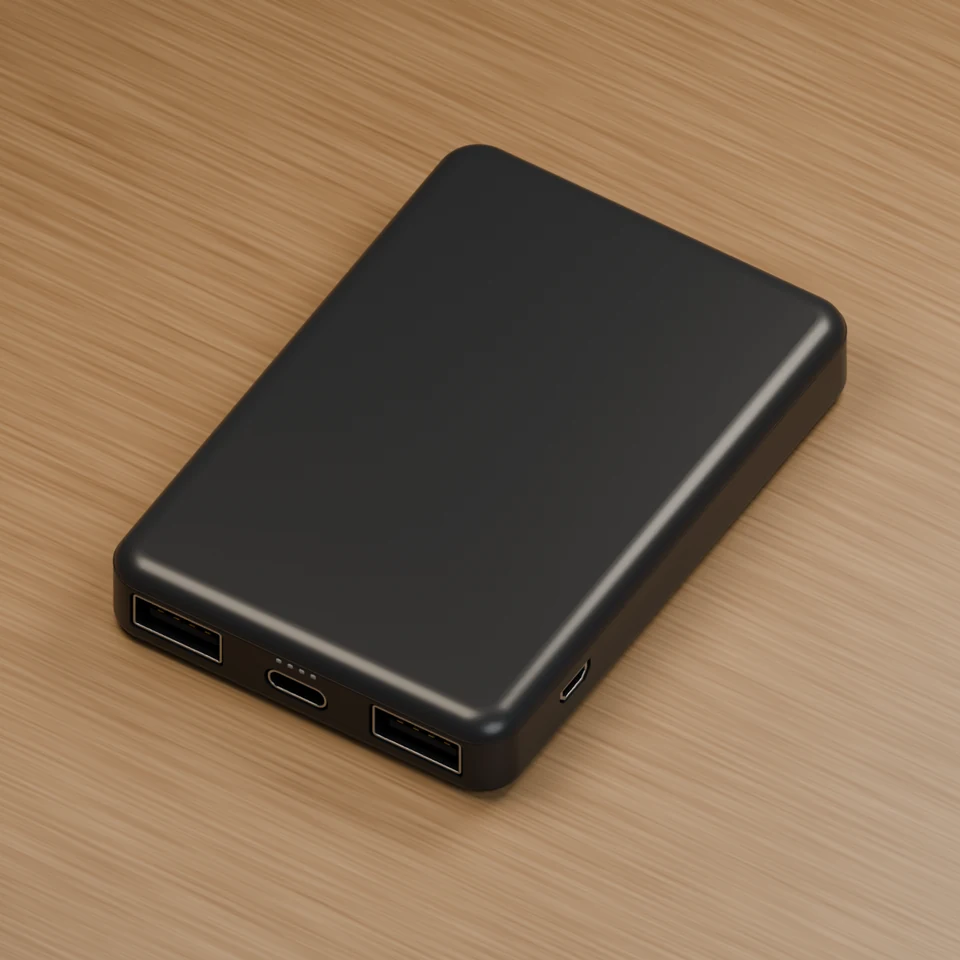
USB-C
Charge sensor
Micro USB
Charge power bank
The portable power bank is the easiest way to keep your sensor charged.
The included cable can be used to charge both the sensor, and recharge the power bank.
Plug the white side of the cable into the side of the power bank to recharge it using a computer or wall adapter.
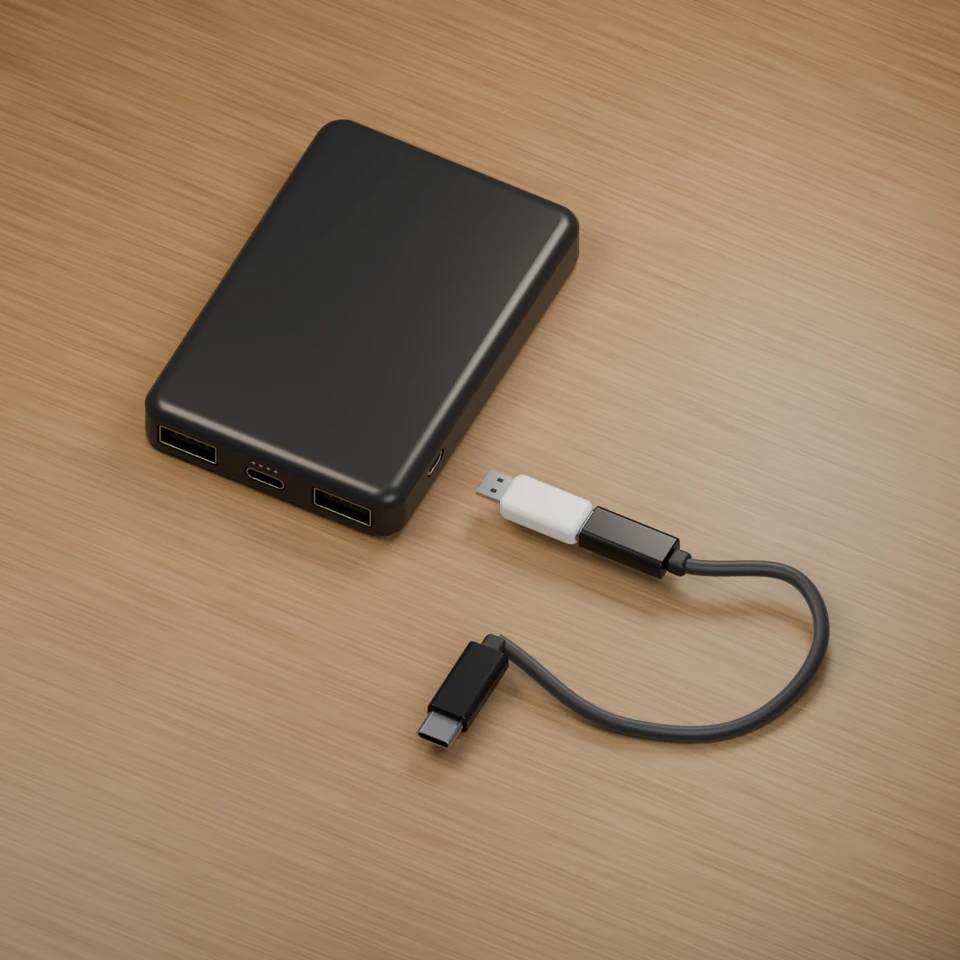
Recharge the power bank
White cable end
Plug into the side port of the power bank
Black cable end
Plug into a USB-C power source