
Install and Feature Guides
From your first install to understanding your shots. Get set up, explore the app, and find help when you need it.
Drilling
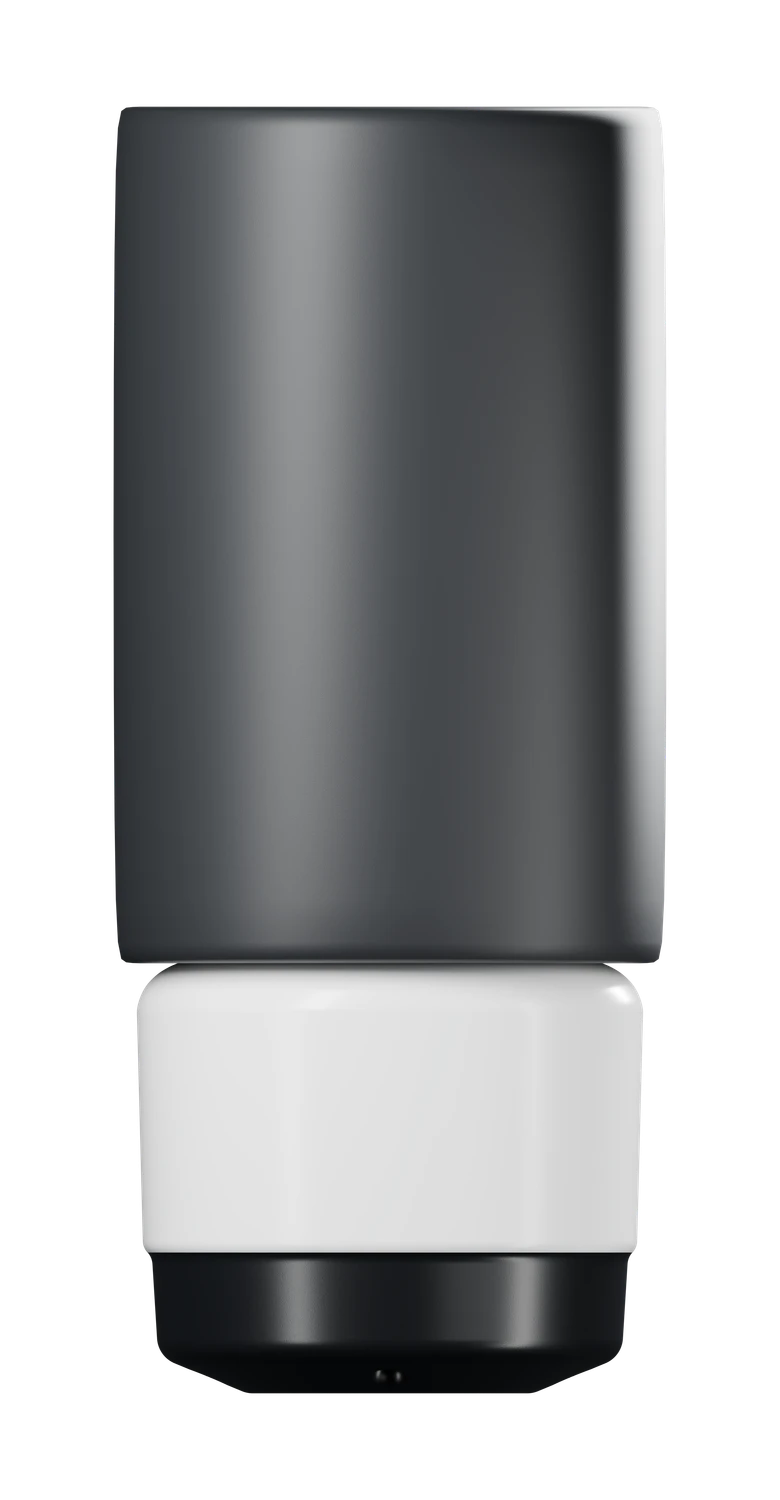
Getting Started
Install Sensor
Learn how to install your sensor in the right orientation and be easy to remove
Remove Sensor
Learn how to easily remove your sensor with a screwdriver and the included charging cable.
Charging
Use the included charging cable to recharge your sensor while in the ball
Power Bank
Learn how to use and operate the included power bank to keep Ruby charged on the go
Features
Troubleshooting
PAP or Swing Height Missing
Set your ball specs and height to complete your measurements.
Shot detection issues
Restart your session when shots are not being detected.
Restart your sensor
Restart your connected sensor from the Arsenal screen in the Ruby app.
Report shot errors
Send us a shot report when a reading looks wrong or a shot has an error.
Sensor not connecting
Check the connection, power, and pairing for your sensor.